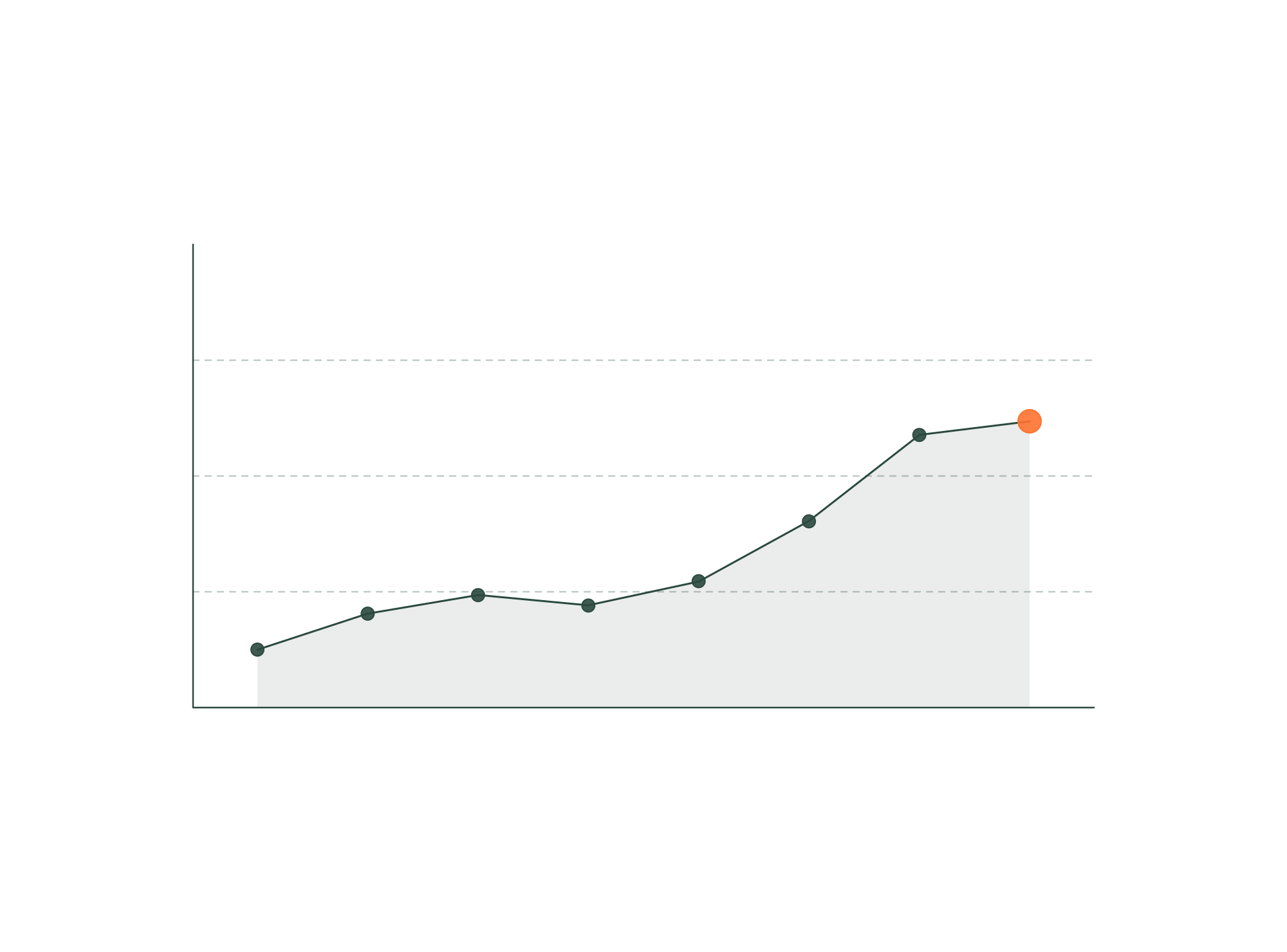
Performance is no longer a “nice-to-have” — it is one of the strongest drivers of conversion, SEO visibility, user trust, and buyer impression. In fast-moving markets like SaaS, AI, fintech, and enterprise software, website performance directly impacts pipeline and revenue.
Yet the majority of websites suffer from:
-
slow load times
-
blocking scripts
-
bloated components
-
poorly optimized media
-
inefficient CMS structures
-
chaotic handoffs
-
inconsistent layout systems
-
excessive custom code
Framer changes the equation — but only when used properly.
When performance optimization is built natively inside Framer, companies get a modern, efficient, high-speed website capable of outperforming even custom engineering stacks.
This article breaks down why performance matters, how Framer can be engineered for elite results, and the systems a performance specialist implements to ensure your website hits the highest standard of speed and stability.
1. Why Performance Optimization Matters More Than Ever
1.1 Better performance = higher conversion
Every 100ms of delay:
-
reduces demo requests,
-
decreases signup rates,
-
increases bounce rate,
-
lowers buyer confidence.
Fast websites convert up to 2–3× better.
1.2 Google uses performance as a ranking factor
Performance directly impacts:
-
Core Web Vitals
-
Mobile ranking
-
Crawl budget
-
Time-to-First-Byte (TTFB)
-
Largest Contentful Paint (LCP)
-
Cumulative Layout Shift (CLS)
High-performing Framer sites reliably outrank slower competitors.
1.3 Perceived brand quality increases with speed
Slow websites feel:
-
outdated
-
untrustworthy
-
poorly engineered
Fast sites signal:
-
product quality
-
technical excellence
-
enterprise readiness
-
attention to detail
Your performance is your brand.
1.4 Performance reduces CAC & increases ROAS
Faster landing pages → better PPC performance → lower acquisition cost.
Improved performance makes every GTM dollar more efficient.
1.5 AI & SaaS products require credibility
Enterprise buyers judge product sophistication by your digital experience.
Performance is a key trust signal.
2. What “Native Performance Optimization in Framer” Actually Means
Framer provides a strong foundation, but performance does not happen automatically.
A performance-focused Framer specialist optimizes:
architecture → components → images → interactions → SEO → JS logic → CMS → loading priorities
…all built natively in Framer, without hacks.
Below are the essential pillars.
2.1 Lean, Modular Component Architecture
Performance begins with how components are built:
-
reusable components
-
minimal nesting
-
lightweight interactions
-
clean layout logic
-
tokenized design systems
This prevents bloat as the site scales.
2.2 Optimized Image Strategy
An expert configures:
-
responsive image sets
-
WebP formats
-
adaptive resolutions
-
lightweight hero assets
-
smart lazy-loading
Framer handles image optimization beautifully when configured correctly.
2.3 Efficient Animation & Motion
Motion drives storytelling — but poorly optimized motion destroys performance.
A Framer expert ensures:
-
GPU-accelerated animations
-
minimal reflow triggers
-
optimized scroll interactions
-
controlled motion libraries
-
well-scoped effects
Beautiful + performant is the ideal.
2.4 Script & Integration Optimization
Enterprise websites commonly load:
-
HubSpot
-
Clearbit
-
Segment
-
analytics scripts
-
chat widgets
-
ABM tags
A performance specialist:
-
removes redundant scripts
-
groups scripts efficiently
-
async/defer loads where possible
-
minimizes blocking external resources
This dramatically improves loading speed.
2.5 CMS Architecture That Doesn’t Slow Down Rendering
Poor CMS structures create:
-
excessive re-rendering
-
slow collection loads
-
unnecessary dynamic blocks
A Framer CMS architect:
-
designs relational logic
-
minimizes heavy queries
-
optimizes dynamic lists
-
uses pagination logic when needed
The CMS stays fast even at scale.
2.6 Accessibility, Semantics & Rendering Logic
Framer performance requires:
-
proper heading structure
-
semantic tags
-
lightweight containers
-
optimized component states
-
mobile-first rendering logic
Accessibility improvements also boost SEO and performance.
2.7 Strategic Loading Priorities
A performance expert configures:
-
priority images
-
preload resources
-
deferred media
-
lazy-loaded components
-
smart hydration
Critical content loads instantly; secondary content loads gracefully.
2.8 Zero-Code Bloat
Whereas custom dev sites often accumulate technical debt, native Framer builds rely on:
-
minimal or no custom scripts
-
native components
-
smart CMS use
-
Framer’s built-in optimization pipeline
The result is clean, maintainable, high-performing code under the hood.
3. The End-to-End Performance Optimization Process
A performance-focused Framer specialist follows a clear process:
Phase 1 — Performance Audit & Benchmarking
-
Lighthouse
-
Core Web Vitals
-
SEO metadata
-
script analysis
-
image audit
-
animation review
-
mobile performance
-
CMS structure review
Outcome: performance map + problem list.
Phase 2 — Architecture Redesign (If Needed)
-
rebuild bloated components
-
restructure layout logic
-
optimize token + component hierarchy
Outcome: strong system foundation.
Phase 3 — Media & Asset Optimization
-
compress + convert assets
-
responsive image sets
-
clean media library
-
optimized hero sections
Outcome: significantly faster load times.
Phase 4 — Script & Integration Optimization
-
remove unnecessary scripts
-
reduce third-party bottlenecks
-
async/defer where possible
Outcome: reduced blocking time.
Phase 5 — CMS Optimization
-
relational model cleanup
-
reduce dynamic rendering
-
improve collection logic
Outcome: faster dynamic pages.
Phase 6 — UX & Interaction Performance
-
motion refinement
-
performance-friendly interactions
-
controlled scroll effects
Outcome: smooth, stable, premium UI.
Phase 7 — QA Across Devices & Browsers
-
mobile-first testing
-
browser matrix
-
accessibility checks
-
Core Web Vitals validation
Outcome: launch-ready performance.
Phase 8 — Launch & Monitoring
-
live environment performance test
-
SEO indexing check
-
caching validation
-
GTM testing
Outcome: stable, optimized site.
4. Why Companies Invest in Native Framer Performance Optimization
4.1 Faster websites convert significantly better
Higher demo/trial volume → increased pipeline.
4.2 Better SEO performance immediately compounds
Higher organic traffic → lower acquisition cost.
4.3 Cleaner systems reduce maintenance
Performance optimization eliminates technical debt.
4.4 Improved user experience builds trust
Buyers stay longer and evaluate deeper.
4.5 The site remains fast as it scales
Optimized systems don’t degrade over time.
4.6 Performance = competitive advantage
Your website becomes faster than competitors — especially in AI/SaaS categories.
5. What to Look for in a Framer Performance Specialist
Must-have capabilities
✔ deep Framer engineering knowledge
✔ strong performance + Lighthouse expertise
✔ CMS architecture experience
✔ integration & script optimization
✔ motion performance understanding
✔ SEO + accessibility awareness
✔ ability to refactor component systems
Red flags
✘ purely visual designers
✘ no performance auditing process
✘ heavy custom code
✘ bloated interactions
✘ no CMS strategy
✘ ignoring SEO and accessibility
Performance optimization requires hybrid engineering–UX capability.
6. Conclusion: Native Framer Optimization Creates Fast, Scalable, Conversion-Ready Websites
When performance optimization is built natively in Framer, companies gain:
-
faster pages
-
better Lighthouse scores
-
stronger SEO
-
higher conversions
-
smoother UX
-
lower CAC
-
improved brand perception
-
scalable systems that last
In a world where buyers expect instant results and smooth digital experiences, performance is not optional — it’s your most powerful growth lever.
Optimized correctly, Framer becomes the platform for elite speed and enterprise-grade performance.